How to Create Viral 9:16 TikTok & Reels Videos with Seedance 2.5
Master Seedance 2.5 inside Manboo Studio to generate vertical 9:16 short videos with fluid camera motion, expressive character acting, and beat-locked audio sync directly in your browser without VPN.

Short-form algorithms on TikTok, Instagram Reels, and YouTube Shorts reward visual momentum in the first two seconds. Seedance 2.5 has rapidly become a favorite model among growth creators because it pairs high-velocity camera choreography with stable subject anatomy and natural rhythm sync in vertical 9:16 framing. With Manboo Studio Web (studio.manbooai.com) or the desktop and mobile apps, you can launch Seedance 2.5 with one click—no VPN, proxy routing, or foreign card hurdles.
Why Seedance 2.5 Excels for Vertical Short-Form Feeds
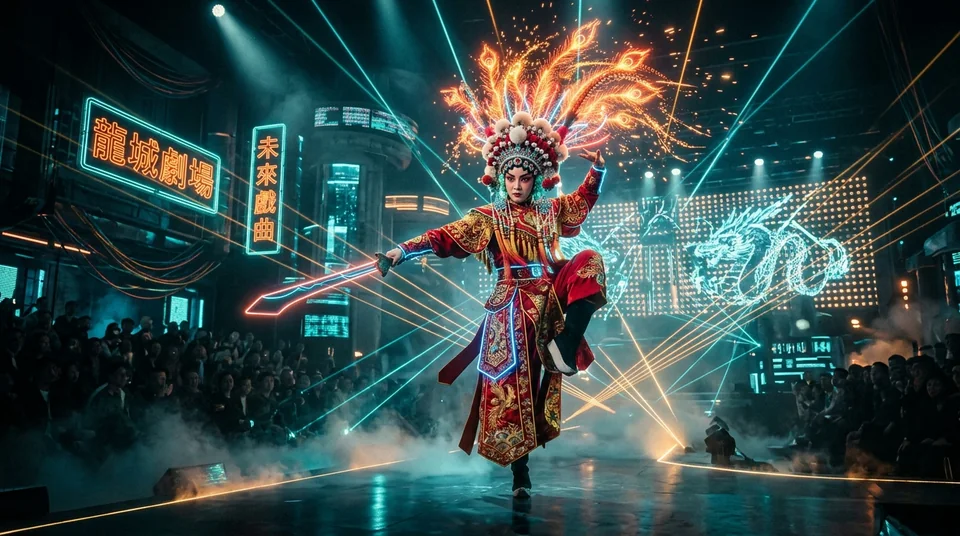
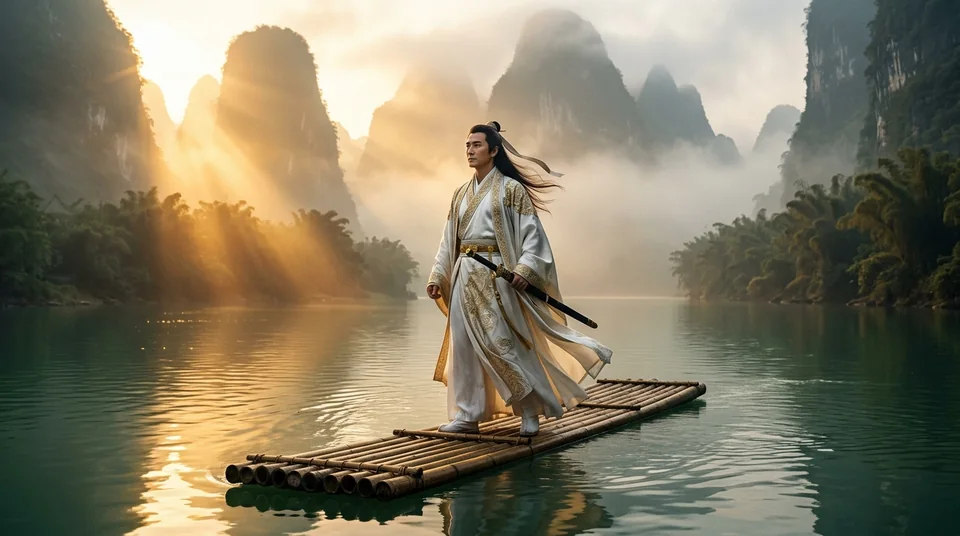
Unlike earlier text-to-video models that drifted during fast pans or softened facial expressions on mobile screens, Seedance 2.5 maintains crisp subject separation, realistic fabric physics, and intentional camera acceleration. Combined with an infinite storyboard canvas, a solo creator can turn a 45-second hook script into 9 polished shots in minutes.
| Production Dimension | Single-Clip Tool | Seedance 2.5 in Manboo Studio |
|---|---|---|
| Aspect Ratio & Framing | Manual crop from 16:9 loses headroom | Native 9:16 vertical composition for mobile feeds |
| Character Continuity | Faces drift between separate prompts | Reference sheet locking across every storyboard node |
| Network & Region Setup | Requires VPN tunnels & multiple accounts | Direct zero-VPN one-click routing in browser or app |
| Data Privacy | Cloud galleries retain generated drafts | Web Studio stores projects locally in your browser |
4-Step Workflow to Produce a Viral TikTok Clip
- Write a 3-Beat Hook Script: Open studio.manbooai.com and use a flagship LLM (GPT, Claude, Gemini, or DeepSeek) to break your topic into a Pattern Interrupt (0–2s), Visual Proof (2–10s), and Payoff Loop (10–18s).
- Lock Anchor Keyframes First: Generate your protagonist or product hero frame with GPT-Image-2 or Nano Banana 2 at
9:16before animating. Image-to-video delivers tighter art direction than text-only prompts. - Animate with Seedance 2.5 Camera Verbs: Feed the anchor frame into Seedance 2.5 using explicit lens cues, subject action, and lighting transitions.
- Assemble & Export Locally: Sequence your 4–6 second clips on the timeline, match beat markers, and download clean MP4 files directly to your device.
Copy-Paste Seedance 2.5 Prompt Formula for High CTR
[Vertical 9:16, 24fps cinema] Low-angle push-in on a matte-black espresso machine erupting with golden crema in a sunlit loft, micro-droplets in slow motion, warm rim lighting, shallow depth of field, energetic commercial pacing.Keep each shot focused on one primary camera motion plus one physical action. When viral videos start driving DMs and product inquiries, connect ManbooAI Omni-Channel AI Customer Service to convert traffic automatically.
Frequently Asked Questions
Can I use Seedance 2.5 without a VPN or proxy?
Yes. Both studio.manbooai.com and the native Manboo Studio clients provide direct one-click access to Seedance 2.5 and other global models without configuring a VPN or proxy.
Does the Web Studio store my generated videos on cloud servers?
No. Manboo Web Studio stores your project history locally in your browser storage and reminds you to download finished video outputs directly to your device.
Should I use text-to-video or image-to-video with Seedance 2.5?
For commercial TikTok Shop clips and recurring characters, generate a still reference image first and run Seedance 2.5 in image-to-video mode so colors, logos, and faces stay consistent across shots.
MANBOO STUDIO · WEB & NATIVE
Ready to test these prompts right now?
Launch Manboo Web Studio in your browser with zero VPN setup, or install the native GPU workstation on Windows, macOS, Android, and iOS.